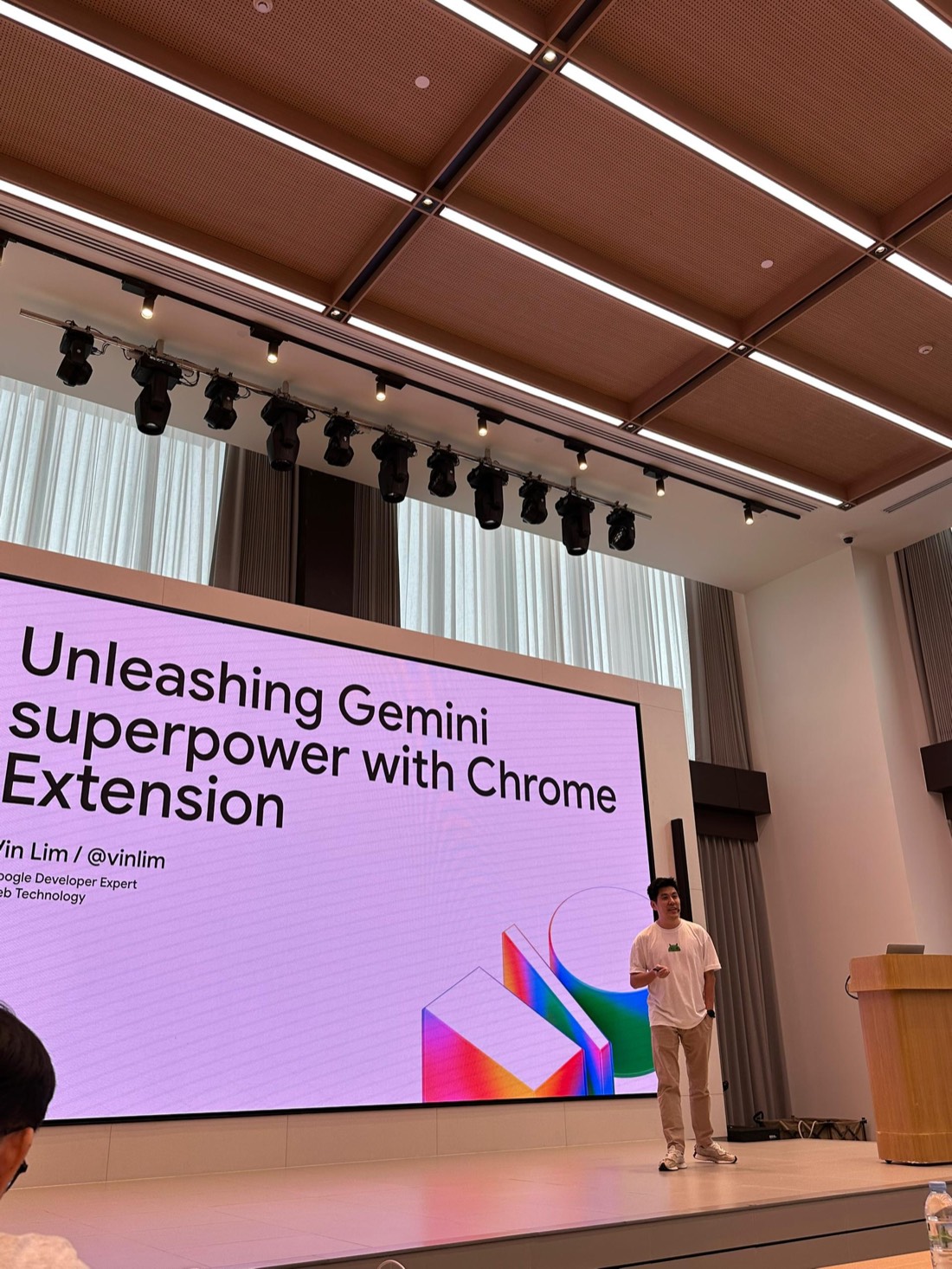
Unleashing Gemini superpower with Chrome Extension
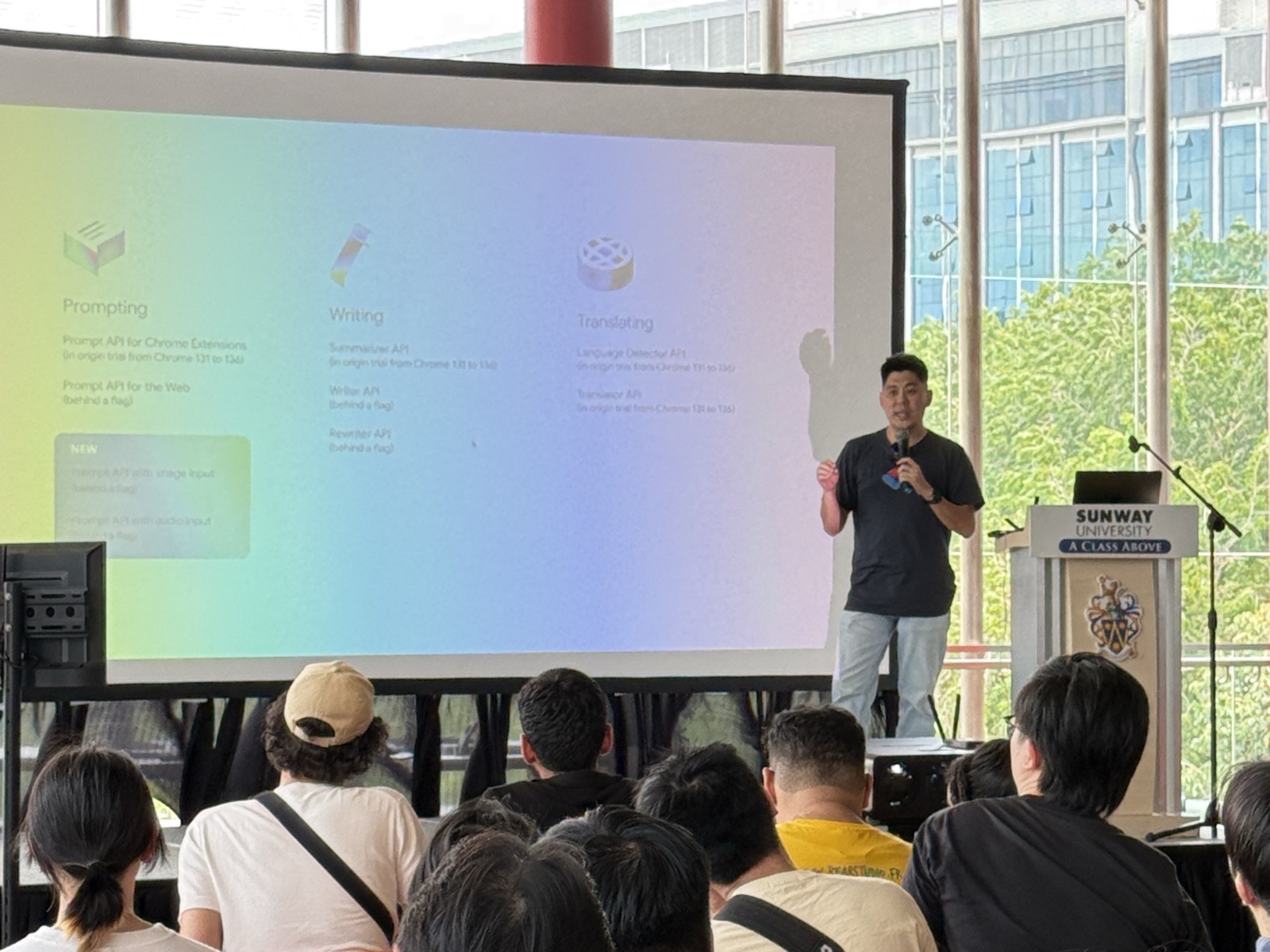
A talk on building Chrome extensions with Gemini. Chrome runs Gemini Nano on the user's device, so an extension can turn page text into a calendar event, transcribe voice messages and draft alt text without sending anything to a server.
Roadshow schedule
| Date | City | Event |
|---|---|---|
| Bangkok | Google I/O Extended Bangkok 2025 | |
| Kuala Lumpur | GDG Meetup #12 at The Access Group | |
| Kuala Lumpur | ForkIt! Kuala Lumpur 2025 | |
| George Town | DevFest George Town 2025 |
Why extensions suit AI features
An extension puts AI inside the websites people already use. Extensions are built with HTML, CSS and JavaScript, can run without a server, and ship to users through the Chrome Web Store. They can read and change a page with content scripts, sit beside it in the side panel, and respond to whatever the user selects or right-clicks.
That position suits AI features that solve one job. The user selects some text or an image and picks an action, and the extension handles the prompt. Nobody has to write one. It also raises the stakes on privacy: extensions can reach sensitive browser data such as history, bookmarks and open tabs, so processing that data on the user's own device is a strong default.
Chrome's built-in AI APIs
Chrome includes Gemini Nano, a model that runs on the user's device, and exposes it through a set of JavaScript APIs. An extension calls them directly, with no server and no cloud AI service. Status as of September 2026:
| API | What it does | Extensions | Web |
|---|---|---|---|
| Prompt API | Free-form prompts with text, image and audio input | Stable since Chrome 138 | Stable since Chrome 148 |
| Summarizer API | Summarises text | Stable since Chrome 138 | Stable since Chrome 138 |
| Translator API | Translates text | Stable since Chrome 138 | Stable since Chrome 138 |
| Language Detector API | Detects the language of text | Stable since Chrome 138 | Stable since Chrome 138 |
| Writer, Rewriter and Proofreader APIs | Draft, rework and correct text | Developer trial | Developer trial |
The model downloads on first use. It needs at least 22 GB of free disk space, plus either a GPU with more than 4 GB of VRAM or 16 GB of RAM and four CPU cores.
Three sample extensions
The talk walks through three of Google's open-source sample extensions. Each pairs one extension API with Gemini Nano.
Calendar Mate: selected text to a calendar event
Select the details of an event on any page, right-click and choose Create calendar event. The extension registers that menu item for text selections only, passes the selected text to the Prompt API to pull out the title, date, time and place, and opens a prefilled Google Calendar event in a new tab. Temperature and top-K are both set to 1 so the output stays predictable. The page text stays on the device, and only the finished event goes to the calendar.
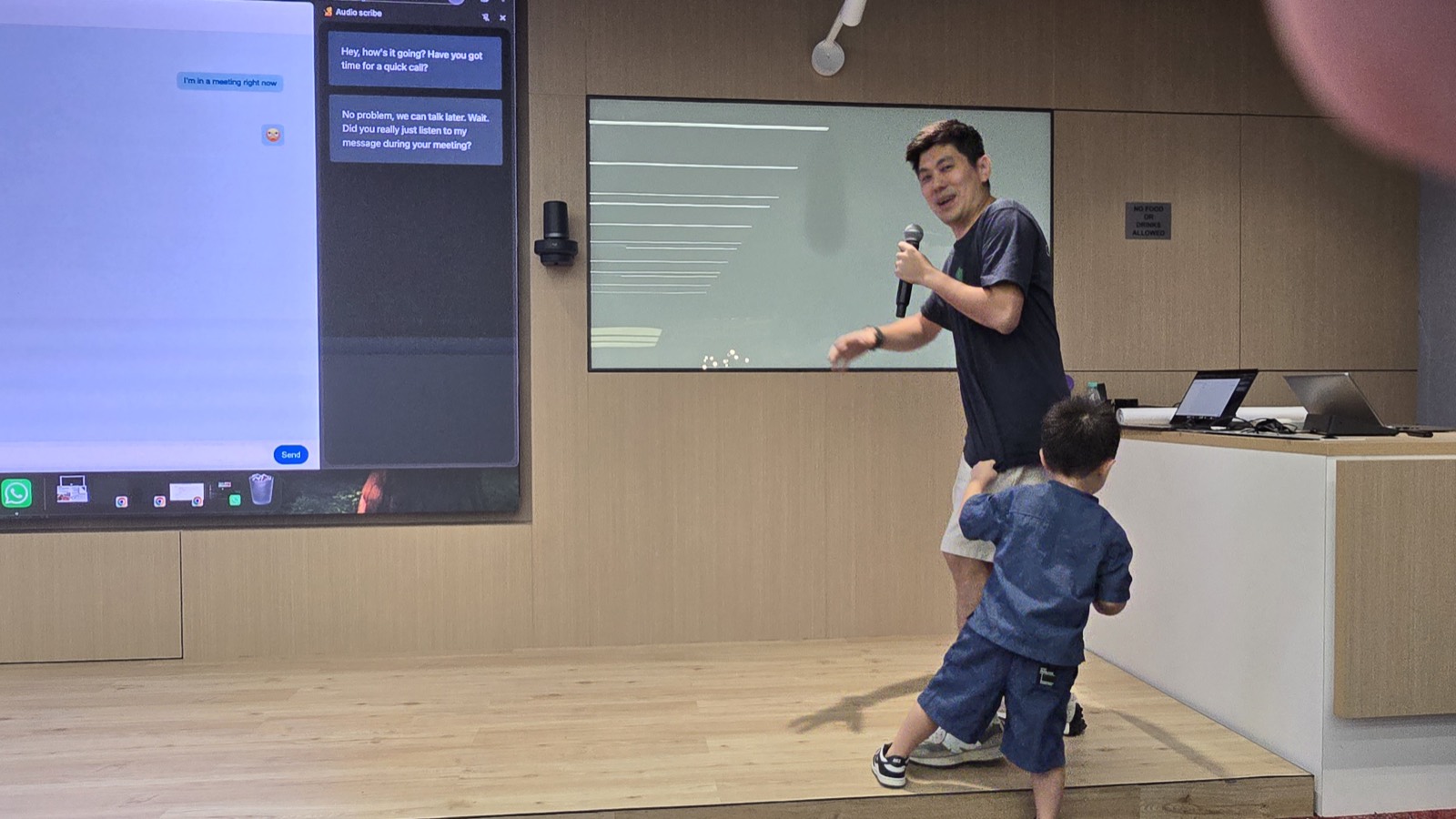
Audio Scribe: voice messages as text in the side panel
You are in a meeting and a voice message arrives in a web chat app. Open Audio Scribe and the side panel shows a transcript of every voice message in the conversation. A content script finds the audio on the page, and the Prompt API transcribes it on the device with Gemini Nano's audio input. The extension adds a feature to a chat app the user already relies on.
Alt Texter: a first draft of alt text for any image
Right-click an image and choose Generate alt text. A popup shows a description written by the Prompt API from the image itself, which the user can edit before copying, and the Translator API can put it into another language. The model does not know why the image is on the page, so the result is a first draft for the writer to check.
A browser agent as an extension
The samples are small on purpose. The talk ends with a larger one: Project Mariner, a research prototype from Google DeepMind that carries out tasks in the browser, whose first version was a Chrome extension. It runs a loop:
- The side panel shows the task and what the agent is doing.
- The extension takes a screenshot of the page and uses the DOM to mark the actions available on it, such as links and buttons.
- It sends the annotated screenshot to a server, where Gemini picks the next action and explains why.
- The extension performs that action, captures the new state of the page and sends it back, until the task is done.
Clicking elements and filling forms reliably is the hard part. Puppeteer, which controls Chrome through the Chrome DevTools Protocol, can run inside an extension through the chrome.debugger API. That support is experimental and limited to a single page. A website can also hand agents structured tools to call directly, which is the subject of the talk on WebMCP.
Getting started
Calendar Mate, Audio Scribe and Alt Texter are in the Chrome extensions samples repository on GitHub, ready to load as unpacked extensions. Two fixes to Audio Scribe and Alt Texter, found while preparing this talk, were merged into that repository in July 2025. Our own browser agent, Auto Browser, is a Chrome extension that can run entirely on Gemini Nano with no network calls.
- Built-in AI APIs and Prompt API, Chrome for Developers: API status, input types and hardware requirements.
- Chrome extensions samples:
ai.gemini-on-device-calendar-mate,ai.gemini-on-device-audio-scribeandai.gemini-on-device-alt-texter. - Fixes to the samples: pull request #1515 and pull request #1516, merged 28 and 29 July 2025.
- Running Puppeteer in extensions, Puppeteer documentation.